.png)
7 Ways to Stop Form Spam in Remix / Node.js
Flag bot activity, use built-in rate limit APIs, prevent bounced emails
 Antonin Marxer
·
·
Table of contents
Your contact page or your newsletter form is all set, ready for new visitors.
You launch your website, and after a few days here comes the drama: 1000 form submissions, all by the same bot activity.
I know I’m not that famous to reach those numbers 🫠 Let’s check the my dashboard one second…

What a funny guy that RobertMow and his 990 SUBMISSIONS
You know where this is going: let’s secure our endpoint!
In this tutorial we’ll go over 7 tips and their implementation to prevent bot form submissions.
Flag bots IP addresses
When an activity can only be a bot, we can flag IP addresses by storing them as malicious. The storage mechanism depends on your stack:
On Cloudflare Workers, use KV (key-value datastore)
On any other backend, use server-side session
We’ll see how we can notice a bot activity in the next steps.
Once the ip address if flagged, ignore any form sumbit:
// prevent bots from re-submitting a form
const KV = context.cloudflare.env.KV;
const ipKey = `contact_ip_${clientIP}`;
if (await KV.get(ipKey)) {
  console.warn(`IP ${clientIP} has been flagged as a bot`);
  return Response.json({ success: true });
}
Prevent bypassing client-side validation
If not alrejady done, please ensure your form is validated on client-side.
In addition, if the value sent to the server isn’t validated, that means client-side validation has been bypassed and should be flagged as malicious.
if (!(await schema.validate(data))) {
  console.warn("Client-side form validation bypassed");
  await KV.put(ipKey, "bot", { expirationTtl: 86400 }); // 24 hours cooldown
  return Response.json({ success: true });
}
Use a client nonce
To prevent replay attacks, we generate a unique nonce for each form submission. This nonce is stored on backend's side and compared against the nonce provided by the client.
// generate nonce on contact form page render
const timestamp = Date.now();
const randomPart = Math.random().toString(36).substring(2, 15);
const nonce = `${timestamp}.${randomPart}`;
await KV.put(nonceKey, "unused")
/**
* Validates if a nonce is valid and not expired
* @param nonce The nonce to validate
* @param maxAge Maximum age of the nonce in milliseconds (default: 1 hour)
* @returns Boolean indicating if the nonce is still valid
*/
export function isNonceValid(nonce: string, maxAge: number = 3600000): boolean {
try {
const parts = nonce.split(".");
if (parts.length !== 2) return false;
const timestamp = parseInt(parts[0], 10);
const now = Date.now();
// Check if nonce has expired
return now - timestamp <= maxAge;
} catch (error) {
return false;
}
}
...
if (!isNonceValid(nonce)) {
console.warn("Expired nonce detected");
return Response.json({
success: false,
error: t("contact.response.error.sessionExpired"),
});
}
const nonceKey = `contact_nonce_${nonce}`;
const nonceState = await KV.get(nonceKey);
if (nonceState === "unused") {
await KV.put(nonceKey, "used");
} else if (nonceState === "used") {
console.warn("Duplicate form submission");
return Response.json(
{
success: false,
error: "The form has already been submitted"
},
{ status: 409, headers: { "Content-Type": "application/json" } }
);
} else {
console.warn("Invalid nonce");
return Response.json(
{
success: false,
error: "Invalid nonce submitted"
},
{ status: 409, headers: { "Content-Type": "application/json" } }
);
}Cloudflare Rate Limiting
We use Cloudflare's Rate Limiting API to restrict the number of form submissions from a single IP address. Note 1: This is not perfect as users on mobile networks often have the same IP address. Note 2: The rate limiting API is still in open beta (August 2025).
const rateLimiter = context.cloudflare.env.RATE_LIMITER_CONTACT;
const clientIP = request.headers.get("CF-Connecting-IP") || "";
const rateLimitResult = await rateLimiter.limit({ key: `contact_form_${clientIP}`});
if (!rateLimitResult.success) {
  // Return 429 Too Many Requests
}
The Rate Limiter needs to be bound to your Cloudflare Worker environment. This is typically done in your wrangler.toml file:
[env.production]
kv_namespaces = [
  { binding = "RATE_LIMITER_CONTACT", id = "unique-namespace-id" }
]
Honeypot Field
A hidden field called "website" is included in the form. This field is invisible to human users but will likely be filled out by bots. If the field contains any data, the submission is silently rejected.
// Check honeypot field - if it contains data, it's likely a bot
const honeypotField = data.website?.toString();
if (honeypotField) {
  console.warn("Honeypot field triggered");
  await KV.put(ipKey, "bot", { expirationTtl: 86400 }); // 24 hours cooldown
  // Return success to avoid giving bots feedback, but don't process the form
  return Response.json({ success: true });
}
CAPTCHA Integration (hCaptcha)
The form includes an hCaptcha challenge to verify that the user is human. We use the official React component from @hcaptcha/react-hcaptcha.
// In the form component
<HCaptcha
  ref={captchaRef}
  sitekey={process.env.HCAPTCHA_SITE_KEY || "10000000-ffff-ffff-ffff-000000000001"}
  onVerify={(token) => setCaptchaToken(token)}
/>

// In the submission handling
const captchaResult = await validateCaptcha(data.hCaptchaToken.toString());
if (!captchaResult.success) {
  return Response.json({
    success: false,
    error: "CAPTCHA verification failed",
  });
}
hCaptcha requires a site key and secret key to be set as environment variables in the .env file (locally) and in your wrangler.jsonc file (on Cloudflare Workers).
HCAPTCHA_SITE_KEY- Your hCaptcha site key for frontend integrationHCAPTCHA_SECRET_KEY- Your hCaptcha secret key for verification
Email Validation with Mailchecker
We use the mailchecker library to validate email addresses and detect disposable email services. It is backed by a database of over 55,000 throwable email domains.
// Validate email with mailchecker
const email = data.email?.toString() || "";
if (email && !mailchecker.isValid(email)) {
  return Response.json({
    success: false,
    error: "Please use a valid email address",
  });
}
Additionally, email validation is also included in the Yup schema:
email: yup
  .string()
  .email(messages.email.invalid)
  .required(messages.email.required)
  .test(
    "is-valid-email",
    "Email appears to be invalid or disposable",
    (value) => (value ? mailchecker.isValid(value) : true)
  ),
Avoid false positive
I do not suggest using content filtering, for example on keywords (“nigerian”, “prince”) as this may result in false positives.
Quick summary
If you’re in a hurry, captchas can still be a decent option — most bots don’t handle them well.
Just make sure you check the captcha value on the server so it can’t be skipped.
That’s what’s worked for me against spam, hopefully it’s useful for you too.
Have you run into malicious activity, DDoS attacks, or spammed forms?
I’m curious how you solved it — and I wouldn’t mind hearing the weird or funny stories that came with it.
More Articles

Create your own MCP servers
Discover how to design and build secure MCP servers using Typescript or Python.
 typescript
MCP servers - Introduction & Guide
In this article, I explain how MCPs (Model Context Protocols) work and how to integrate them into your IDEs to connect external tools to your agent, providing it with context and levers for action to reduce redundant tasks -> Your IDE becomes a true all-in-one tool.
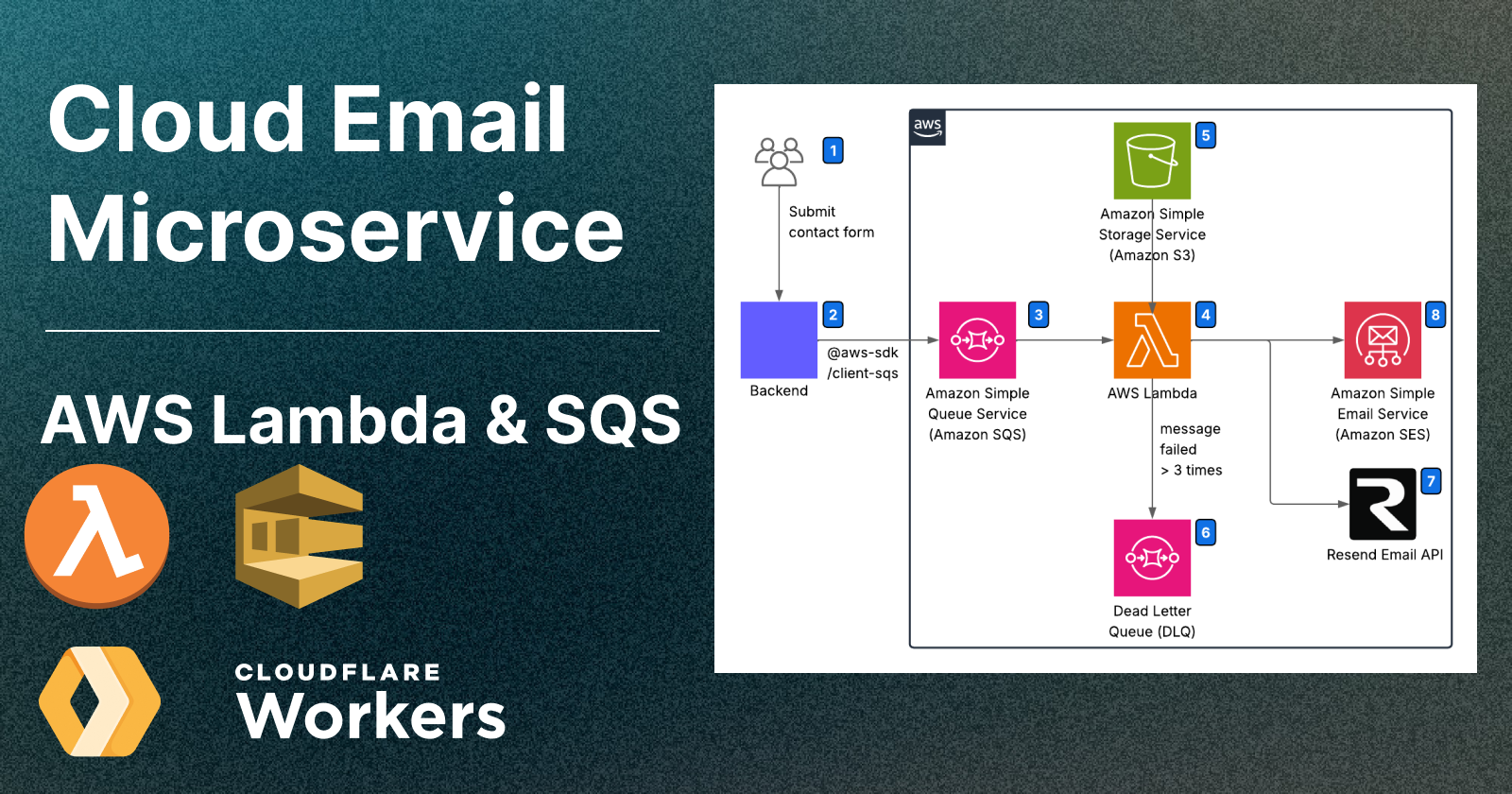
Cloud Email Microservices: A Guide to Using AWS Lambda and Cloudflare Workers
Deploy an email microservice on Lambda and handle queues — invoke from Cloudflare Workers or any Node.js backend
 remix.run
.png)
Best Practices for an Optimized Contact Page Design
Build a Contact Page That Connects — and Blocks Spam
.png)
Send and Receive Custom Domain Emails for Free
Set up free professional email addresses like you@yourdomain.com without hosting a mail server or paying for Google Workspace. This guide shows how to receive emails using Forward Email and send as your custom domain via Gmail — fast, reliable, and 100% free.
.png)
CI/CD deep-dive: Deploy a scalable Multi-Environment React App to AWS S3 + CloudFront with GitHub Actions
Learn how to build and deploy a scalable multi-environment React + Vite app using Domain-Driven Design, GitHub Actions for CI/CD, and AWS S3 + CloudFront for fast, cost-effective static hosting. Includes environment-specific configs, branch-based workflows, and secure AWS deployment setup.
 React
React Tailwind
Comments
Be the first to comment!